LUFS for Amazon Music: What Amazon’s Help Page Says
LUFS for Amazon Music starts from Amazon’s own help text: Loudness Normalization can play songs at a similar loudness in supported apps — and that page does not publish a LUFS number.
Upload your track
Drop your finished mix here to get started.
Upload only audio you own or have permission to process. See Terms and Privacy.
In short
Amazon’s help page on Loudness Normalization (nodeId=TgG1d8mPjGwf885hRP, cited in our streaming table) says you can play all songs at the same loudness level using the Amazon Music apps for Android, iOS and Fire OS. It does not state a LUFS target. Third-party blogs sometimes invent −14 LUFS for Amazon Music; we do not repeat those. Measure your master, keep headroom, and compare against what each platform actually publishes in streaming LUFS targets.
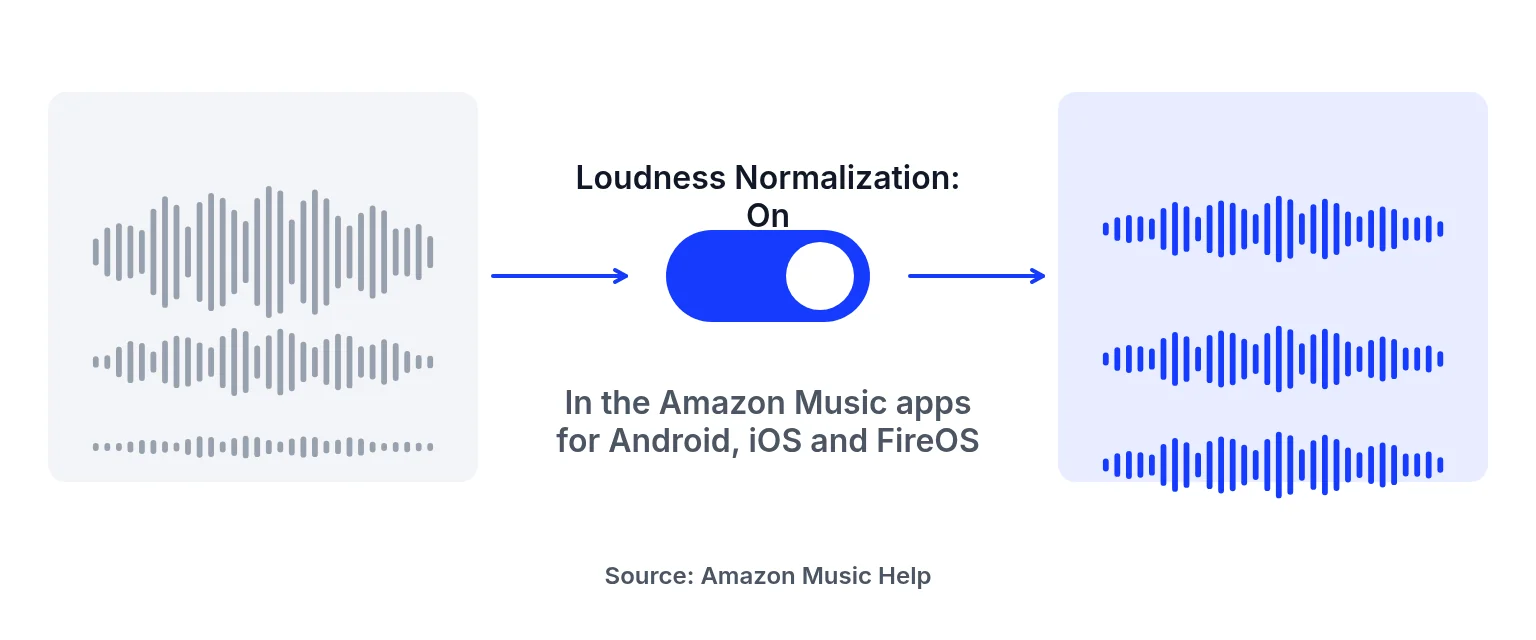
What is published vs what is not
| Topic | Status on Amazon’s cited help page |
|---|---|
| Feature name | Loudness Normalization |
| Where | Amazon Music apps for Android, iOS and Fire OS |
| Listener control | On or off |
| LUFS / LKFS number | Not published on that page |
| True-peak number | Not published on that page |
Do not confuse Alexa skill developer articles with Amazon Music consumer help. We only use the Music help page here.
Preparing a master for Amazon Music without a fake target
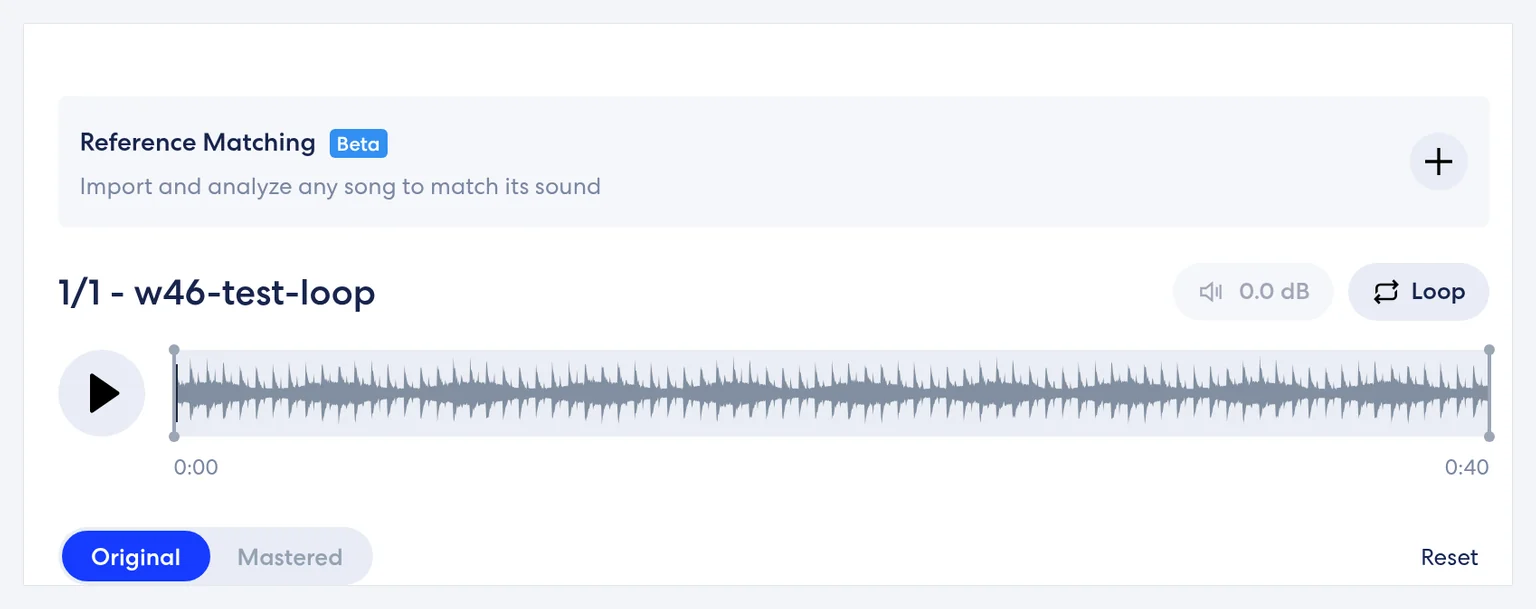
Upload your finished mix, read LUFS and estimated true peak, audition profiles, and unlock a WAV when you need a delivery file. This studio does not simulate Amazon’s normalization. For why loud masters get turned down in general, see loudness normalization.
When you document the release for a team, write “Amazon Music help page: Loudness Normalization on/off in Android, iOS and Fire OS apps; no LUFS figure published on the page we cite (checked 2026-11-09)” instead of pasting a blog number. That single sentence prevents weeks of confusion later.
Also re-check Amazon’s help center near release day; consumer pages change, and this article’s date is the bound we verified—not a permanent guarantee.
Honest limits
- No invented Amazon Music LUFS figure.
- No Amazon upload API.
- Preview free; song credits for downloads.
- Screenshot meter readings elsewhere are synthetic-test values, not targets.
How to check loudness for Amazon Music prep
Measure the release file
Upload within 200 MB / 10 minutes. Read integrated LUFS and estimated true peak.
Master for sound, not a made-up Amazon number
Choose a profile and Intensity. Keep headroom. Judge with ears plus the report.
Export if you need a file
Unlock song credits for WAV/MP3. Upload to your distributor yourself. Listeners may still switch Loudness Normalization off.
Release checklist for Amazon Music stores
1. Finish the stereo mix with intentional dynamics.
2. Measure integrated loudness and estimated true peak here.
3. Audition a profile without chasing a fake Amazon LUFS goal.
4. Unlock a WAV when you need a delivery file.
5. Upload through your distributor; confirm the live track in the Amazon Music apps with Loudness Normalization on and off.
Also keep album order in mind. A ballad next to a dense electronic track will still be levelled by the feature when it is on, but artistic contrast should remain in the masters. If you only need a quick meter read, use the LUFS meter page. If you need every platform’s published figures in one place, use the streaming targets table and ignore undocumented blog numbers.
What “same loudness level” does not mean
Amazon’s phrasing about playing songs at the same loudness level describes a listener feature, not a promise that every encoder, device and offline download behaves identically. Web players, third-party speakers and older app builds can differ. Measure your file; do not treat a single phone listen as proof of the whole catalogue path. Keep true-peak headroom so encoding has room to work, and avoid presenting synthetic-test screenshot values from this site as Amazon targets.
Avoid borrowed loudness numbers
Writers sometimes copy Spotify’s −14 into Amazon Music articles. This page refuses that shortcut. Amazon’s cited help describes Loudness Normalization in mobile and Fire OS apps; it does not publish the LUFS figure those blogs invent. If Amazon updates the help page with a number, re-read Amazon — do not trust a secondary post.
Mastering for Amazon Music release habits
Mastering for Amazon Music through a distributor still starts with a clean stereo master. Measure here, unlock a WAV when ready, and upload through your chosen distributor. Listeners may disable Loudness Normalization, so a crushed, distorted master will still sound crushed for them. Compare Original and Mastered carefully: they are not level-matched in this studio, so a louder master can win unfairly in a quick A/B.
Amazon Music loudness versus Alexa developer docs
Amazon publishes many developer documents across Alexa and other products. Those are not automatically Amazon Music consumer rules. This guide sticks to the Music help page already used in our streaming table. That discipline keeps Amazon Music loudness notes honest when search snippets disagree.
Lufs for amazon music FAQ
What LUFS should I use for Amazon Music?
Amazon’s cited help page publishes no LUFS number. Master for sound, measure your file, and keep headroom.
Does Amazon Music normalize loudness?
Amazon describes Loudness Normalization in its Android, iOS and Fire OS apps so songs can play at a similar loudness.
Can listeners turn it off?
Yes — it is described as a setting.
Why don’t you list −14 LUFS for Amazon?
That figure is not on the Amazon Music help page we cite. We mark “not published” instead of guessing.
Is measuring free?
Yes. Downloads need song credits.
Do you simulate Amazon playback?
No.
Which file should I deliver?
Prefer 24-bit WAV from this studio when you unlock credits, unless your distributor asks for something else.
Where are other platforms’ figures?
In the streaming LUFS targets table.
Can I A/B Original and Mastered?
Yes, but they play at their own levels with no visible loudness-matching control.
Ready to check your mix?
Upload above, preview free, and unlock song credits only when you need a download. → AI music mastering
Platform names are trademarks of their owners. This site is not affiliated with or endorsed by them. Statements checked 2026-11-09 may change.
Last updated: 2026-11-09