LUFS for Apple Music: What Apple Publishes — and Doesn’t
LUFS for Apple Music is mostly a Sound Check story: Apple publishes how Sound Check works, not a stereo LUFS target on the help pages we read.
Upload your track
Drop your finished mix here to get started.
Upload to measure your mix, then master if you want.
Upload only audio you own or have permission to process. See Terms and Privacy.
In short
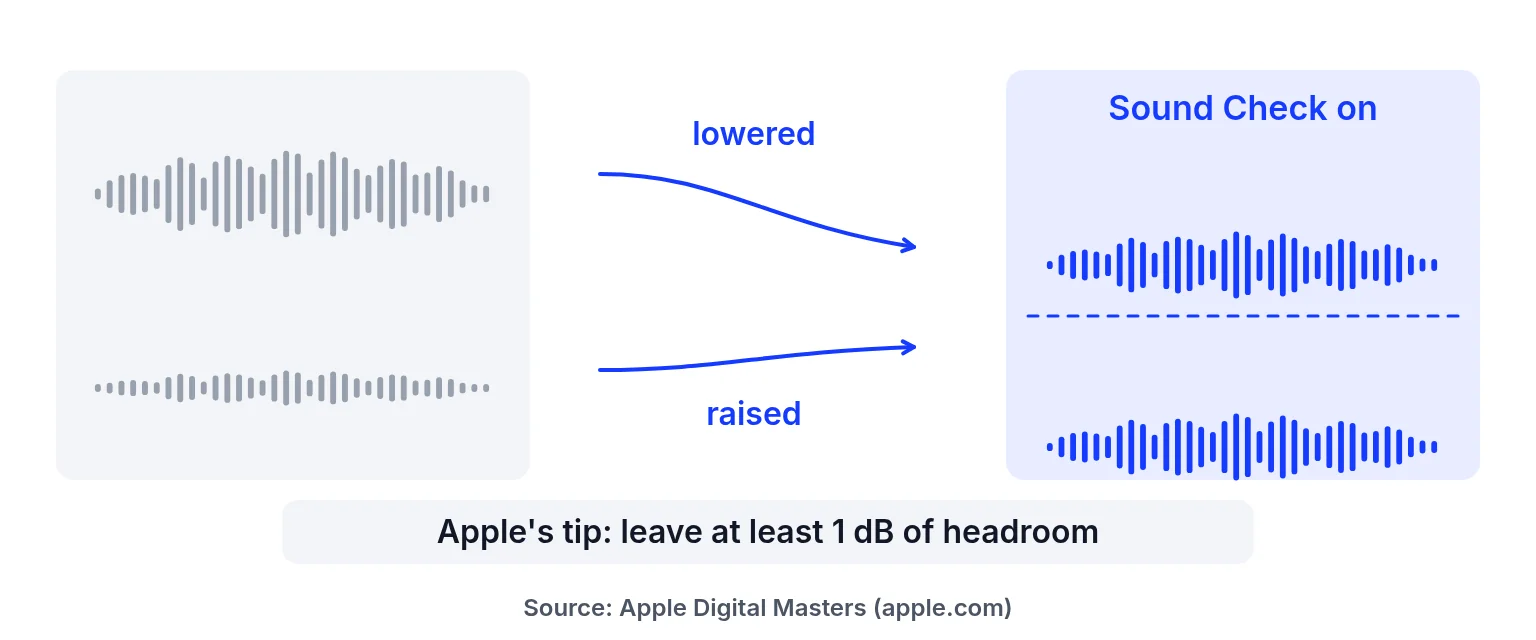
On the Apple Support page for Sound Check and in the Apple Digital Masters guide, Apple describes Sound Check as adjusting loudness between songs so they play at a similar level, and recommends leaving at least 1 dB of headroom. No stereo LUFS number for Sound Check appears on those pages. Do not invent one. For immersive Dolby Atmos music deliverables, Apple’s asset guide states a separate −18 LKFS integrated / −1 dB true-peak delivery rule — that is not a Sound Check stereo playback target.
What Apple’s own pages say
| Question | Answer from Apple pages we cite | Source |
|---|---|---|
| Is there a Sound Check LUFS target? | No number published on the pages we read | Sound Check; Apple Digital Masters PDF |
| What does Sound Check do? | Raises or lowers each track’s volume using loudness metadata | Digital Masters PDF |
| Headroom tip | Leave at least 1 dB of headroom | Digital Masters PDF |
| Listener control | Sound Check can be switched on or off | Apple Support |
| Atmos music deliverable (separate) | ≤ −18 LKFS integrated, ≤ −1 dB TP (BS.1770-4) | Apple Video and Audio Asset Guide |
Compare other services in streaming LUFS targets. Learn why louder masters get turned down in loudness normalization.
Prepare a master without chasing a fake Apple number
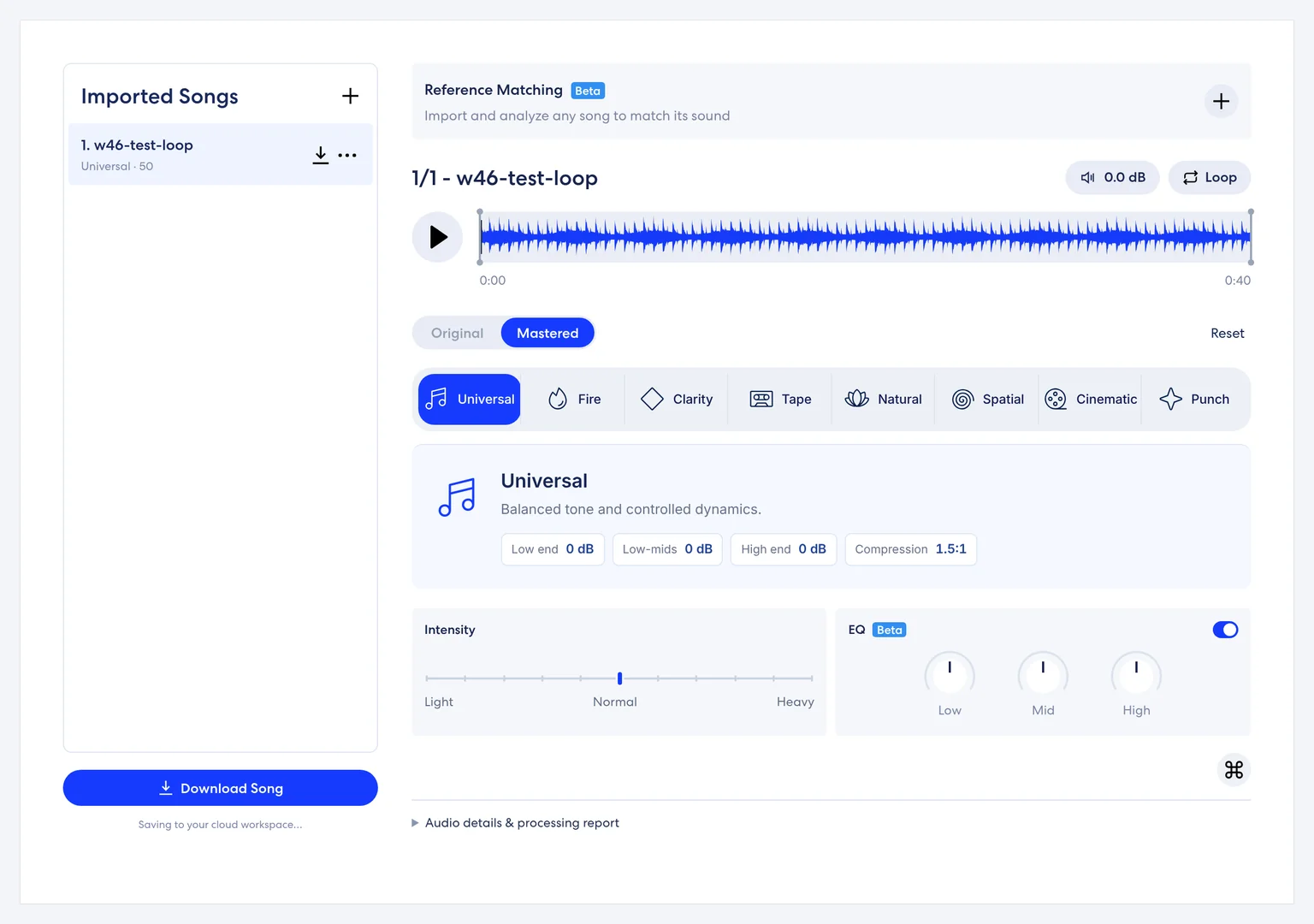
Master for the sound you want, keep true-peak headroom, and measure integrated LUFS so you know what you have. Spotify and SoundCloud publish numeric advice elsewhere; Apple’s stereo Sound Check pages do not. Prefer a 24-bit WAV download when you unlock song credits. This studio does not simulate Sound Check playback.
Keep notes on which profile and Intensity you used so a later revision can match the tone. If collaborators disagree about Sound Check, have them toggle the setting on a shared playlist rather than arguing about an unpublished stereo LUFS target.
Honest limits
- No invented Apple stereo LUFS target.
- No Apple Music upload API from this site.
- Report true peak is estimated.
- Preview free; downloads need song credits.
How to check LUFS for Apple Music prep
Measure your finished mix
Upload WAV, MP3, FLAC or AIFF (200 MB / 10 min). Read Loudness (LUFS) and Estimated true peak (dBTP) in the report.
Audition a profile with headroom in mind
Pick a profile and Intensity. Leave digital headroom; Apple recommends at least 1 dB. Original and Mastered are not level-matched.
Export a clean master if you unlock the song
Unlock song credits for WAV/MP3 downloads. Recheck the file with a dedicated meter if you need certification. Sound Check behavior stays on the listener’s device.
Delivery notes that stay honest
When a label asks what LUFS you hit for Apple, answer with the measured integrated loudness of your file and the headroom you left, plus a link to Apple’s Sound Check page — not a blog’s invented target. If the release includes Atmos, treat the −18 LKFS deliverable rule as its own checklist item with the asset guide, separate from stereo Sound Check. Re-measure after any late limiter or EQ pass in another app. This studio’s report does not re-measure live Intensity and EQ after the base render, so verify downloads when paperwork matters.
Sound Check practice without a stereo target
Because stereo Sound Check has no official stereo Sound Check figure on the pages we cite, your practical checklist is short:
1. Measure integrated loudness and estimated true peak on the file you will deliver.
2. Leave at least 1 dB of digital headroom per Apple’s Digital Masters advice.
3. Audition the master with Sound Check on and off on a device you control, knowing listener settings vary.
4. Do not paste a blog’s “Apple is −16” claim into your delivery notes without an Apple citation.
Mastering for Apple Music without chasing myths
Mastering for Apple Music still benefits from clean peaks and intentional tone. Use Universal or Natural when you want a restrained finish; use Punch or Fire only when the mix needs weight and you accept less dynamic range. Reference matching can guide tone from a permitted commercial track you may use, but it will not clone that track. After download, re-check the WAV if a label asks for certified meters — this site’s true peak is estimated.
Apple Music loudness and albums
Apple’s materials describe Sound Check working with track loudness metadata and note album-oriented behaviour in the Digital Masters guide’s broader loudness discussion. Album sequencing still matters: a whispered interlude should not be brickwalled just to match a chorus on a meter. Keep artistic contrast; let Sound Check do playback levelling when listeners enable it.
Lufs for apple music FAQ
What LUFS should I use for Apple Music?
Apple publishes no stereo Sound Check LUFS figure on the pages we read. Master for sound, leave headroom, and measure your file.
Does Sound Check change my file on Apple’s servers?
Apple describes Sound Check as using loudness metadata to raise or lower playback. Your delivered master remains yours.
What about −18 LKFS?
That figure appears in Apple’s immersive Atmos music deliverable rules, not as a stereo Sound Check target.
Should I leave headroom?
Apple’s Digital Masters guide recommends at least 1 dB of headroom.
Can listeners turn Sound Check off?
Yes, per Apple Support.
Is measuring free here?
Yes. Downloads need song credits.
Do you simulate Sound Check?
No.
Where do other platforms’ numbers live?
In the streaming LUFS targets table, each with a source link.
Can I use reference matching?
Yes — reference matching is free and guides tone and loudness from a permitted track.
Ready to check your mix?
Upload above, preview free, and unlock song credits only when you need a download. → AI music mastering
Platform names are trademarks of their owners. This site is not affiliated with or endorsed by them. Statements checked 2026-11-09 may change.
Last updated: 2026-11-09