Fix Suno Audio Artifacts: Identify, Try, Know the Limits
Hear whether the problem is harsh tone, hiss, or broken generation — then choose regenerate, mix work, or a light master.
Upload your track
Drop your finished mix here to get started.
Upload only audio you own or have permission to process. See Terms and Privacy.
This site masters finished mixes. It does not ship a dedicated artifact-removal tool.
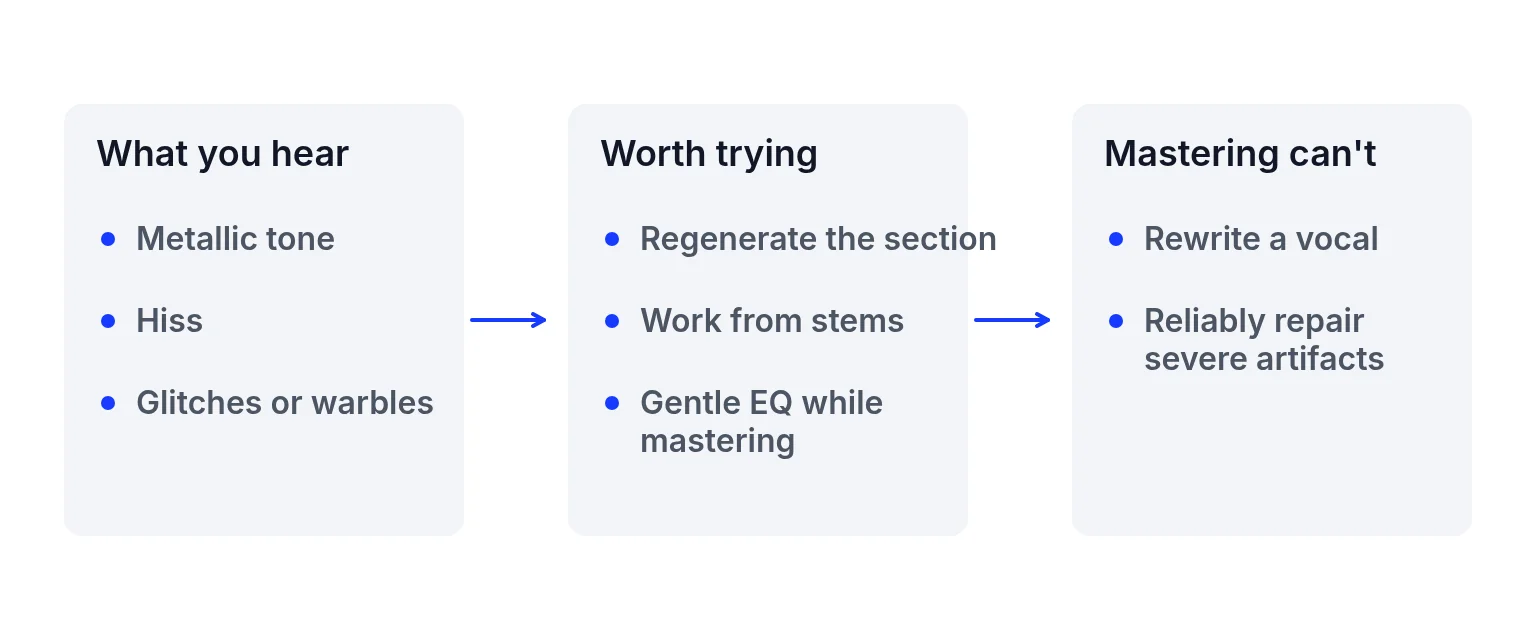
To fix Suno audio artifacts, first name what you hear: metallic highs, hiss between phrases, smeared consonants, clipped peaks, or random glitches. Soft tone problems sometimes improve with a gentler profile and EQ on a finished mix. Broken generation — missing syllables, warped timing, damaged vowels — usually needs a new Suno export. Mastering shapes the whole stereo file; the site FAQ says it cannot rewrite lyrics, replace vocals or reliably repair severe generation artifacts.
Supported public Suno links stay on Suno mastering. For pricing and downloads, open the mastering tool.
Before you begin
- Headphones on a quiet section and a busy section, so you can name the sound before you process it.
- The best file Suno offers you. Prefer lossless when it is available. Converting an MP3 to WAV does not restore lost detail.
- A finished mix inside WAV, MP3, FLAC or AIFF, up to 200 MB and 10 minutes.
- No expectation of an on-site artifact remover. This page does not claim one.
On a completed export, this studio can:
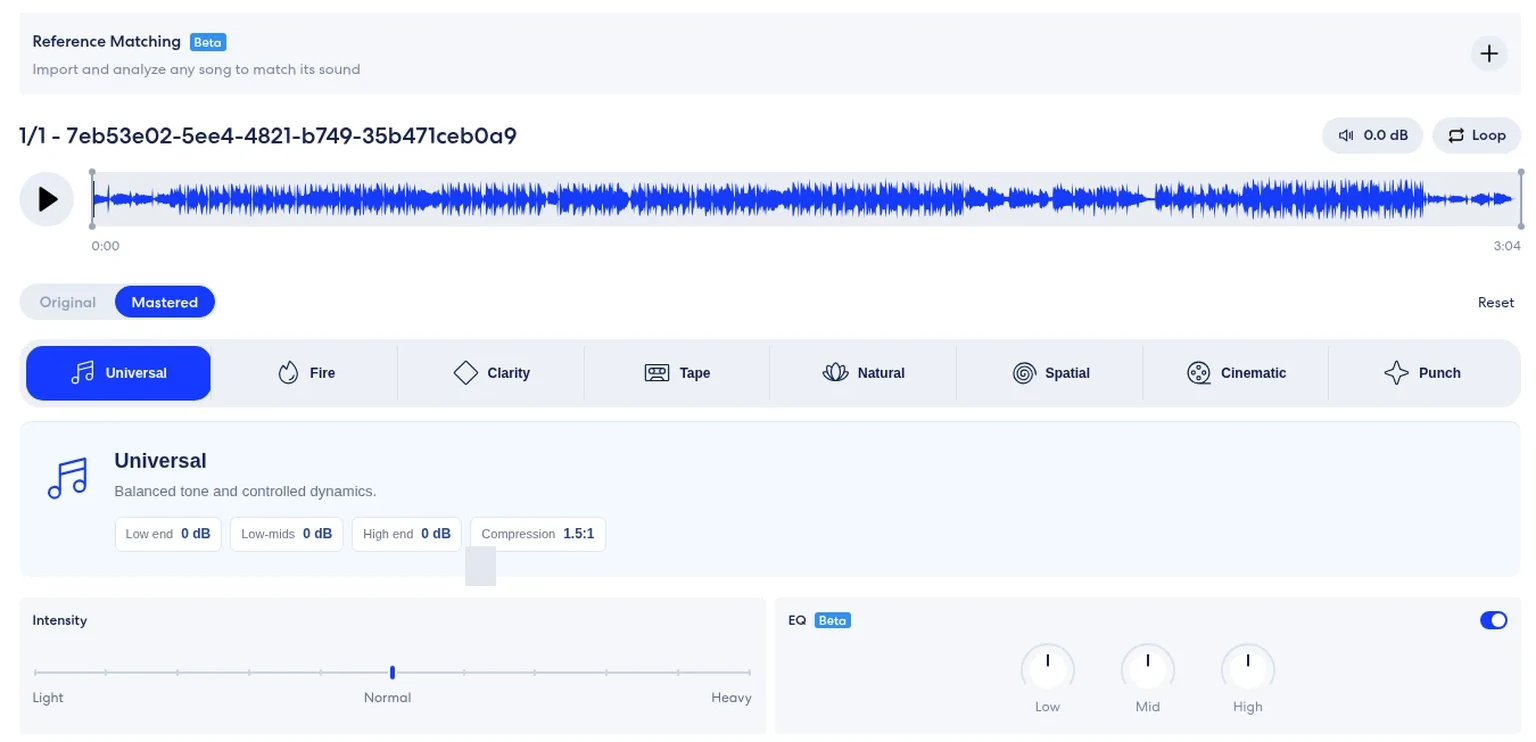
- Choose a softer direction such as Natural or Tape among the eight profiles.
- Lower Intensity if the base render feels over-processed.
- Cut low, mid or high by up to ±6 dB after the profile.
- Read integrated LUFS and estimated true peak in the processing report.
That can make a harsh top end less fatiguing and bring loudness closer to what you want for release. It still processes the whole mix. Turning down “harshness” also turns down anything else in that band.
Reference matching is free and does not spend a song credit. The studio still labels it Beta. It can guide tone and loudness from another permitted song without copying vocals, melody or arrangement. Free accounts see their latest 5 saved songs. A purchased song pack, or an active membership, shows the full saved list. It does not repair generation damage. For the Suno-specific upload path, open Suno mastering.
How to try a fix in 3 steps
Identify the artifact class
Solo headphones on a quiet section and a busy section. Write down whether the issue is tone, noise, or broken generation. If lyrics fail, stop and regenerate in Suno first.
Prefer a clean source file
Export the best format Suno offers you. Prefer lossless when available. Upload that finished mix here (or paste a supported public Suno link on the Suno page). Limits: WAV, MP3, FLAC or AIFF, up to 200 MB and 10 minutes.
Preview a light master, then decide
Try Natural or Universal at a moderate Intensity. Compare Original and Mastered honestly — they are not level-matched in this studio. If the artifact is still the main event, go back to Suno. If tone improved, unlock downloads with song credits when you want a file ($1.99 USD once for 5 songs, no automatic renewal).
Common problems and what to check
Listeners use “artifacts” for several different sounds. Separating them avoids the wrong fix:
| Problem | Likely cause | What to check |
|---|---|---|
| Watery or metallic cymbals and “S” sounds | Harsh / bright generation tone | Softer profile or EQ cut on highs; or regenerate with calmer style tags |
| Hiss in gaps or behind a quiet vocal | Noise floor / sparse texture | Regenerate denser sections; mastering will not invent silence cleanup |
| Words that smear or clip | Generation damage | New take in Suno |
| One instrument suddenly warps | Local glitch | Regenerate that section if the tool allows |
| Whole mix too loud and crushed | Delivery loudness | Master with headroom; read loudness normalization |
None of these rows promise a one-click eraser on this site.
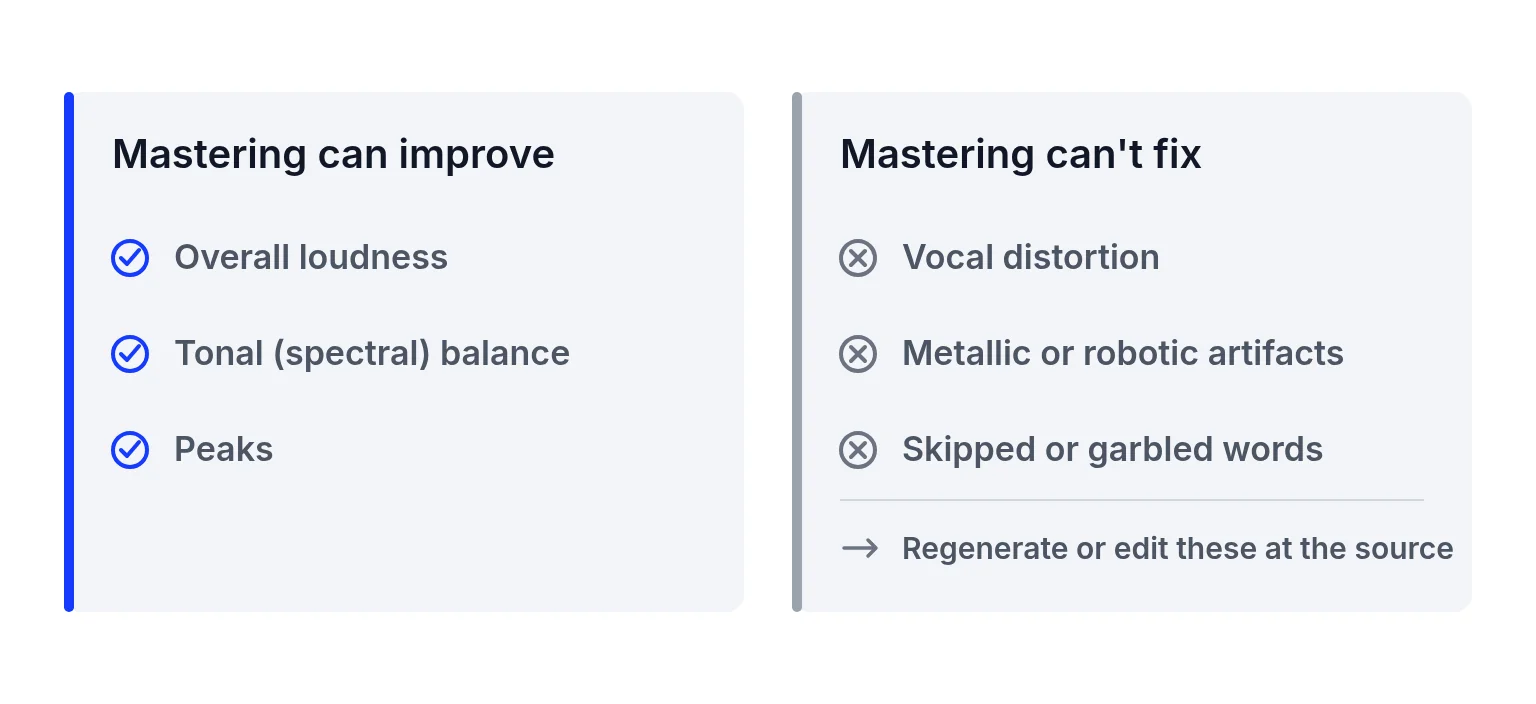
- Rewriting the vocal. Missing words and robotic phrasing stay until you regenerate or record a person. See humanize AI music.
- True denoising of sparse hiss. There is no dedicated denoise or de-ess product on this site.
- Un-clipping crushed peaks. Digital clipping in the source often remains audible after a master.
- Stem surgery without stems. If you only have a stereo bounce, you cannot mute one bad hi-hat without affecting the rest. Fix balance before the bounce when Suno gives you parts you can re-export.
- Converting MP3 to WAV to “heal” quality. The FAQ notes that conversion does not restore lost detail.
Use this quick order when you are unsure whether to stay in the mastering studio:
1. If lyrics fail or a section glitches, regenerate that part in Suno first. A stereo master cannot rebuild missing syllables.
2. If the take is intact but bright or thin, preview Natural or Tape here and cut a little high or low mid with EQ.
3. If hiss lives in empty gaps, do not expect a denoise product on this site. A denser regenerate or a different export often helps more than limiting.
4. If the mix is simply too loud or too quiet, measure LUFS and true peak, then decide whether loudness work is enough — that is a delivery problem, not an artifact class.
5. If you want a more natural performance overall, switch to the humanize guide and pick texture, regenerate, or human help on purpose.
Keeping regenerate and master as separate moves prevents you from burning credits on exports that still need a new take.
- No on-site artifact remover. This page does not claim one.
- Severe generation damage needs a new take. Mastering cannot promise repair.
- No human-percentage or AI-detector score on this workflow.
- Preview free; downloads need song credits.
- Not for you if you need stem separation, vocal isolation, or guaranteed hiss removal inside this studio.
Check the finished file
Sometimes the “artifact” is just a bright mix that needs a small EQ cut, not a full regenerate. Sometimes it is damage no stereo processor should chase. If lighter processing or the original sounds better, keep the original. The site’s product description says results depend on the source and that lighter processing or retaining the original may be preferable.
- If lyrics fail or a section glitches, the next move is a new Suno take, not another master.
- If the take is intact and only the tone changed for the better, then song credits are worth unlocking ($1.99 USD once for 5 songs, no automatic renewal).
- Preview stays free. Downloads need song credits.
- There is no human-percentage or AI-detector score on this workflow.
Ready to preview a gentler master?
Upload your Suno export above, try a soft profile, and keep the original if it still wins. → AI music mastering
Fix Suno audio artifacts FAQ
What are Suno audio artifacts?
Common complaints include metallic highs, hiss, smeared consonants and local glitches from generation. The label covers tone issues and broken takes; they need different fixes.
Can this site remove Suno artifacts?
It can shape tone, dynamics and loudness on a finished mix. It does not offer a dedicated artifact eraser, and severe damage is not reliably repaired.
Should I remaster or regenerate?
Remaster for harsh tone or loudness on an otherwise good take. Regenerate when words, timing or local glitches are broken.
Does EQ fix metallic Suno sound?
A high cut can soften fatigue. It also affects other bright parts of the mix. Listen before and after.
Will converting to WAV fix artifacts?
No. Converting a lossy file to WAV does not restore lost detail.
Can I upload a Suno link?
Supported public Suno links are handled on the Suno mastering page. You can also upload an authorized audio file here.
Is previewing free?
Yes. Uploading, eight profiles, Intensity, EQ and original/mastered previews are free. Downloads need song credits.
Does reference matching remove artifacts?
No. It guides tone and loudness from a permitted reference. It does not repair generation damage.
Where do I go next if the vocal still sounds fake?
Read the humanize guide for texture versus performance versus human help, or regenerate in Suno.
Related links
- Import a Suno link or file: the Suno page, when you have a supported public link.
- Texture, performance, or a person: when “natural” means more than EQ.
- Balance that is still a mix problem: fix the parts before you master the bounce.
- When the issue is level, not damage: loudness is a different job from artifacts.
- Measured CC BY examples: real examples with measurements, separate from this repair guide.
- How streaming turns a loud master down: a delivery problem, not an artifact class.
- Preview on the homepage tool: try a soft profile, and keep the original if it still wins.
Last updated: 2026-11-10